
A Program is the primary container for participants to interact with my.siyli.
Participants register for a program, join a program, and participate in the post-program 28 day challenge.
So how do you create a program?
When you log into my.siyli as a teacher, you should see a nav bar that looks something like this: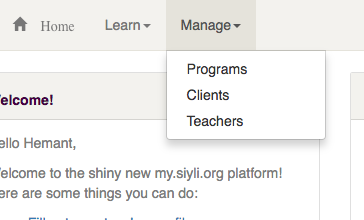
When you click on Manage -> Programs, you can see all your programs (of which there will be none to start with):
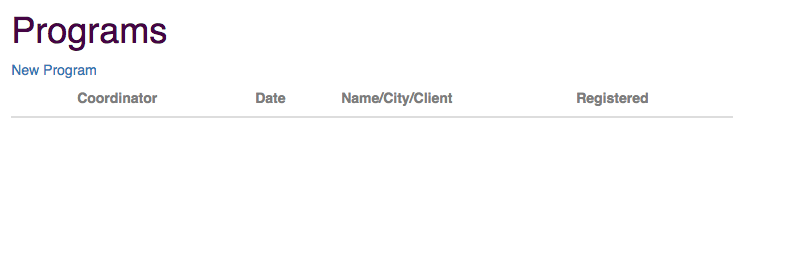
When you click on New Program, you'll be taken to a page where you can set up a program.
Program Attributes
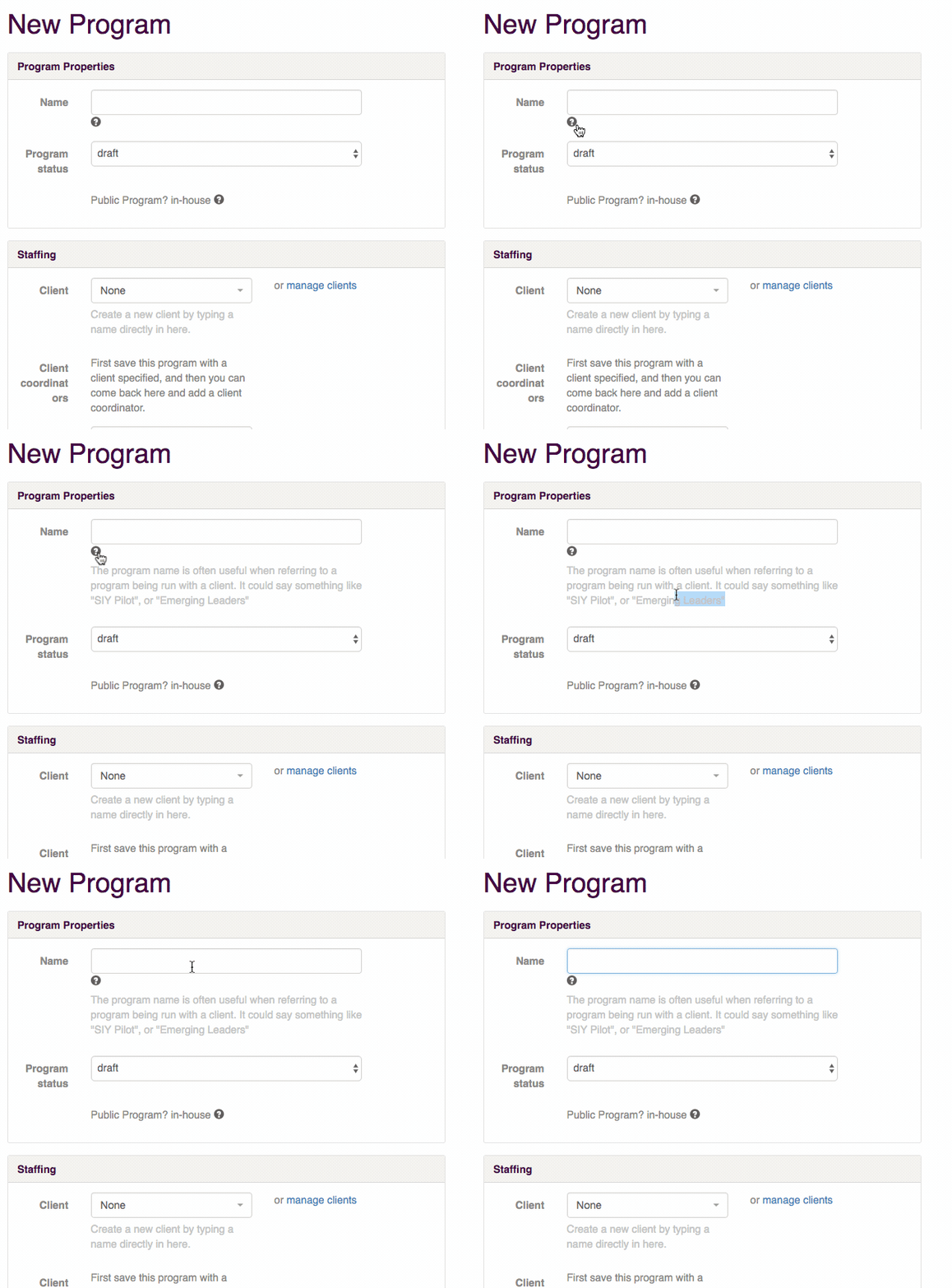
Programs have many attributes that help you create a great participant experience. You'll see that many of the attributes have help-text listed below them. Some of them have an '?' icon that reveals more information:
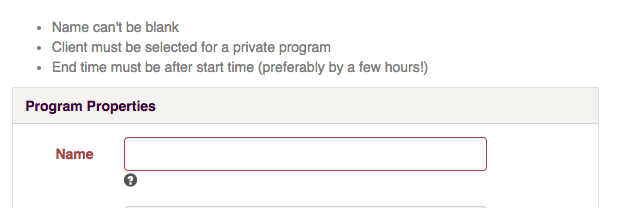
It will let you know if you there's a problem with one or more of the attributes:
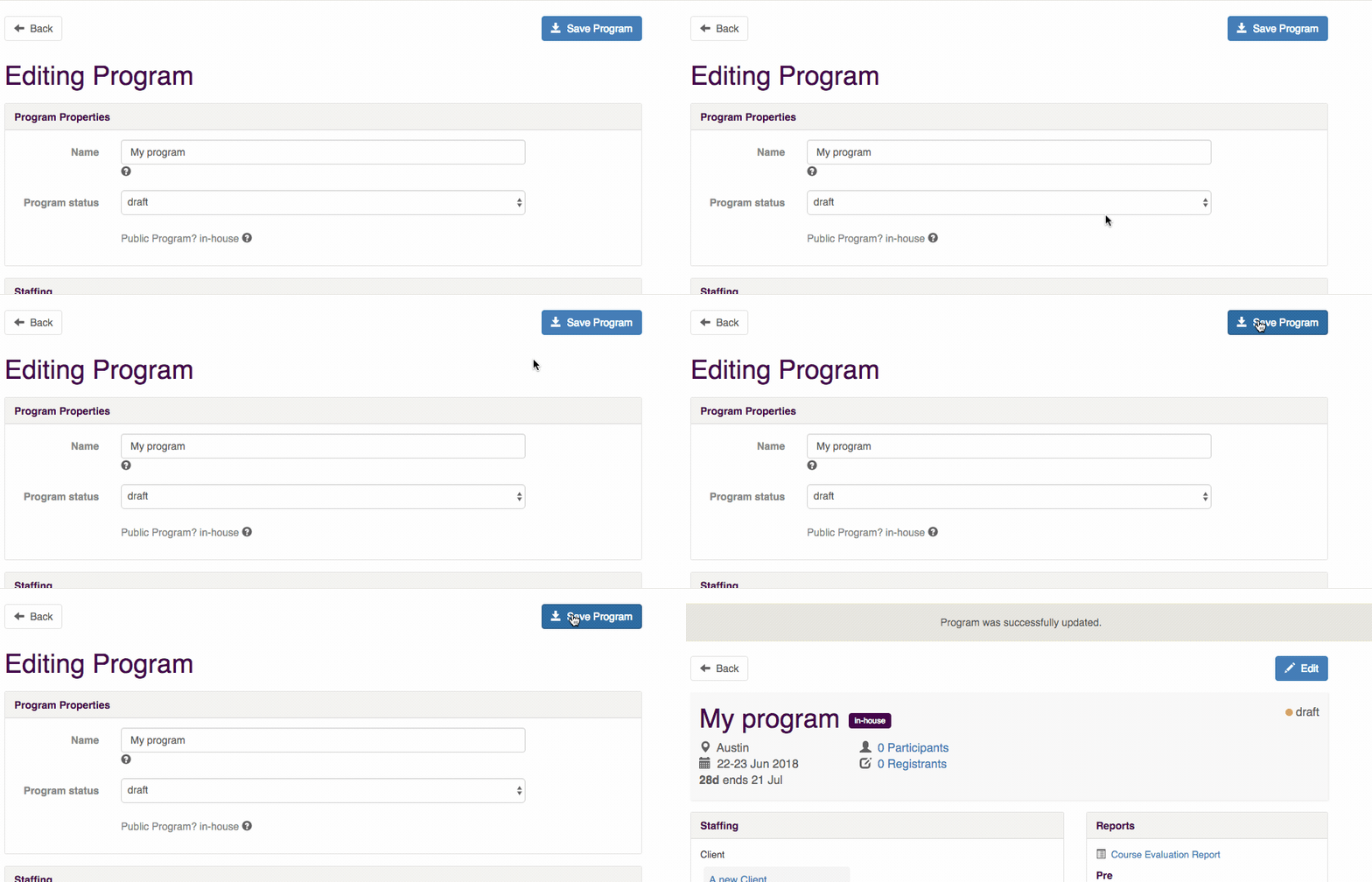
Once you are finished editing, just hit 'Save' and you're done!
Comments
11 comments
Hello
Self serve custom, simply drag and drop them in the desired order within the settings, helping streamline processes like a&w
@space waves This makes setting up a program on my.siyli super straightforward. Looking forward to trying it out and getting participants involved in the 28-day challenge!
Self serve custom, simply drag and drop them in the desired order within the settings, helping streamline processes like como descargar la constancia de situacion fiscal
Self serve custom, simply drag and drop them in the desired order within the settings, helping streamline processes like bottleneck
Free fire profile bio Automatically get sent to participants through my.siyli.org. In some cases you may want to send an additional adhoc email to participants. To do this, go into the program and click "Participants." Scroll down to the bottom of the page the the section "Send Emails" and select "Custom Email"
Seeing everyone's persistent efforts in the 28-day challenge to improve themselves truly moved and touched me deeply. Unblocked Games Automatically get sent to participants through my.siyli.org.
I’m currently making a video series on replaying warcraft 2 after 25 years, and just made a video about how damage works. I’m interested in any feedback or changes for this as it wasn’t as clear cut as I thought. Or I hope it can be informative for anyone interested. I can’t post links because I haven’t made enough posts, but if you search “warcraft II remastered - damage mechanics” in YouTube, you will find it released one day ago.
I was confused about Snap Planets before, but this really helped me understand how the whole system works.
Getting your first program running is such a satisfying moment! If you’re putting together a coding setup, you can browse Dell laptops at Meyaar and compare the specifications with your programming tools’ requirements.
Self serve custom, simply drag and drop them in the desired order within the settings, helping streamline processes like como descargar la constancia de situacion fiscal
https://constanciadeesituacionfiscal.com.mx
Please sign in to leave a comment.